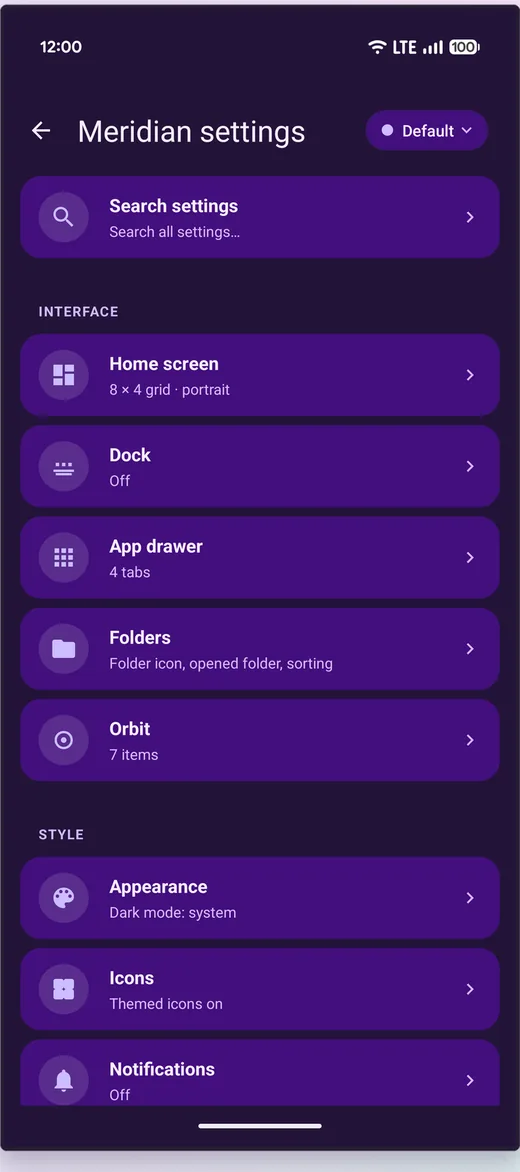
The grid
- Grids up to 16×16
- Half-cell placement, so an icon or widget can sit between cells rather than snapping to the nearest one
- Set per Space — a dense Work grid and a sparse Bedtime grid on the same phone
Icons
- Icon pack support with full compositing — background, mask and upon layers applied to apps the pack does not name explicitly, not just the ones it does
- A built-in icon-pack browser, so you can see what a pack actually covers
- Seven shapes, plus themed icons and dynamic calendar icons that show the date
- Per-icon overrides: a custom image, a custom label, or a custom launch target on any single icon
The app drawer
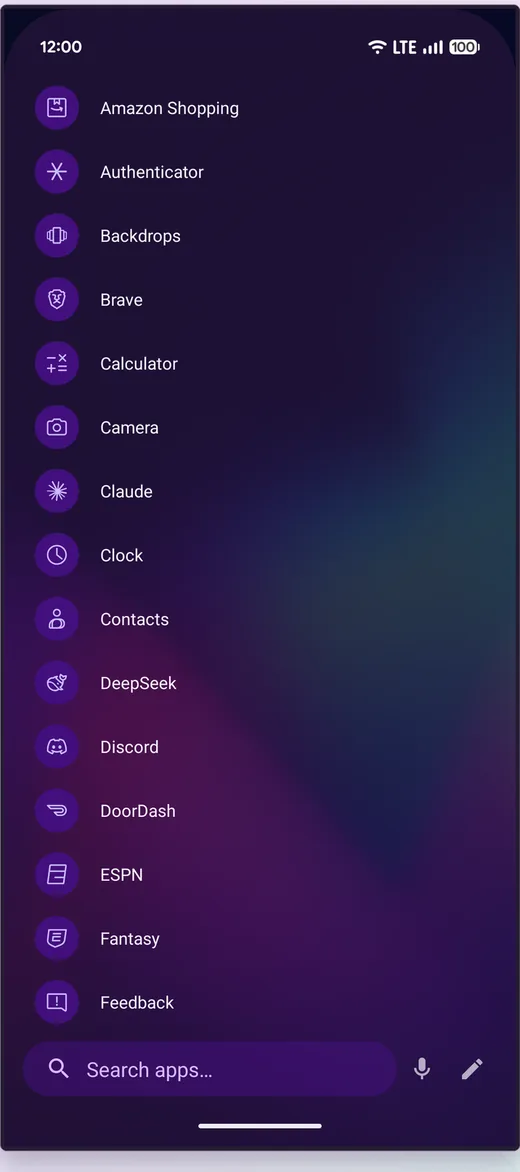
- Four layouts to choose between
- Your own tabs, arranged how you like, with drawer folders
- Hidden apps behind your fingerprint
- Search that understands initials ("gm" finds Gmail), typos and T9
- A fast scroller whose rail only takes touches that land on its letters, so the last column of icons stays tappable
Folders
- Open as a bottom sheet, a centred card, expanded over the icon, or full screen
- Enlarge a folder into a block of the grid that shows its apps, and glue it to an edge. The apps on an enlarged folder have an icon size and spacing of their own, separate from the apps inside an open folder
- Folder icons as a grid, a fan or the first app with a badge, in any shape and colour, with Material You tints if you want them
Keyboard and controller
On a tablet with a keyboard or a game controller, the arrow keys or D-pad move a focus ring between icons and folders — on past a page's edge turns it — and Enter, Space or A opens the one under it. On a controller, B goes back, Y opens and closes the app drawer, X opens search and the bumpers turn the home page.
Widgets
- Widget stacks you swipe through
- Resizable, and placeable on the half-cell like everything else
- Meridian's own: a smart shelf of the apps you are most likely to open next, a quick-actions grid, a current-Space card, a Space switcher, an ask-anything bar
- KLWP and KWGT widgets that behave properly — touch forwarded, offsets kept
Surfaces, and the system bars
- The dock and drawer each take their own colour, opacity and corner radius, and the assistant its own tint and opacity
- Meridian's cards sit on the same Material You surface other apps' widgets paint on, so a mixed home screen looks like one design
- Status and navigation bars: light or dark icons, any colour behind them, and whether that colour fades into the wallpaper or fills the bar
Backups you own
Everything — layout, settings, icon edits, gestures, Spaces — goes into a single file you keep, restorable on any device, with automatic rotating backups alongside it. There is no cloud account involved because there is no account at all. One-tap import from your previous launcher is in the setup wizard, and if a crash ever loops, safe mode catches it rather than leaving you without a home screen.