Radial launchers used to mean rooting your phone or living with a floating overlay. Orbit is a widget you place on the home screen like any other.
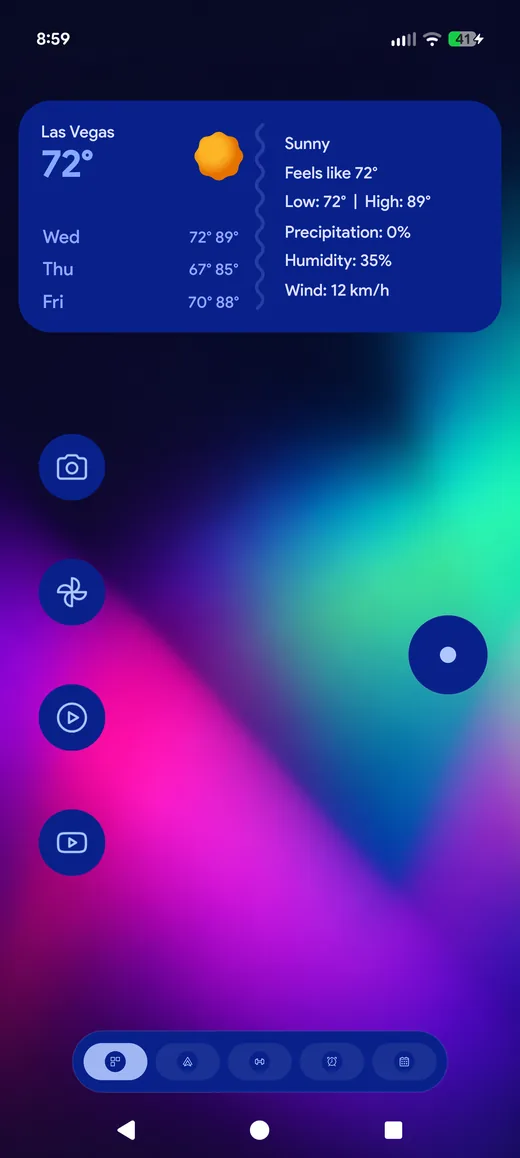
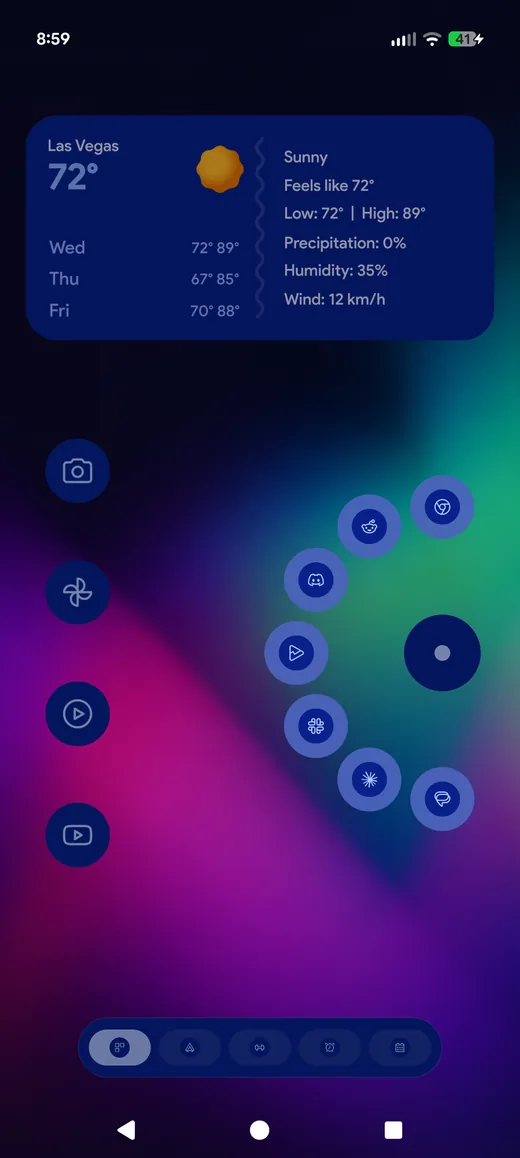
Two ways to use it
- Press and slide. Hold the circle, the ring fans out, slide to the item you want and release. One gesture, no lifting your thumb.
- Tap to pin. A tap opens the ring and leaves it open, so you can choose with a second tap.
Any item can be an app, a folder, a Space, the drawer, search, the flashlight or a question for the assistant — the same action list the gestures use.
Sized the way you want it
Two sliders, and a live 1:1 preview of your actual home screen that replays each change as you make it:
- Outer ring size scales the icons and how far they spread
- Inner ring size sets the circle you actually press
The ring opens exactly where the circle settles, so the line to whatever you are sliding towards starts from its centre rather than from wherever the widget happened to sit.
Five opening animations
Bloom, Sweep, Cascade, Fade and Pop, each with its own timing, plus a speed control
under Settings › Orbit › Behaviour. Every item can wear an icon from your
installed icon packs, and names can show under the icons or not at all.
Getting one
Add it from the widget picker, then Settings › Orbit for its items, ring
sizes, names and look. There is a Move it button there that picks the
Orbit up for you rather than making you hunt for it on the page.